Available now

Your travel companion in Tenerife

Plan routes in real-time, discover local events and explore the best places on the island. All in a progressive web app, free and ad-free.

3
Languages
100%
Free
24/7
Real-time
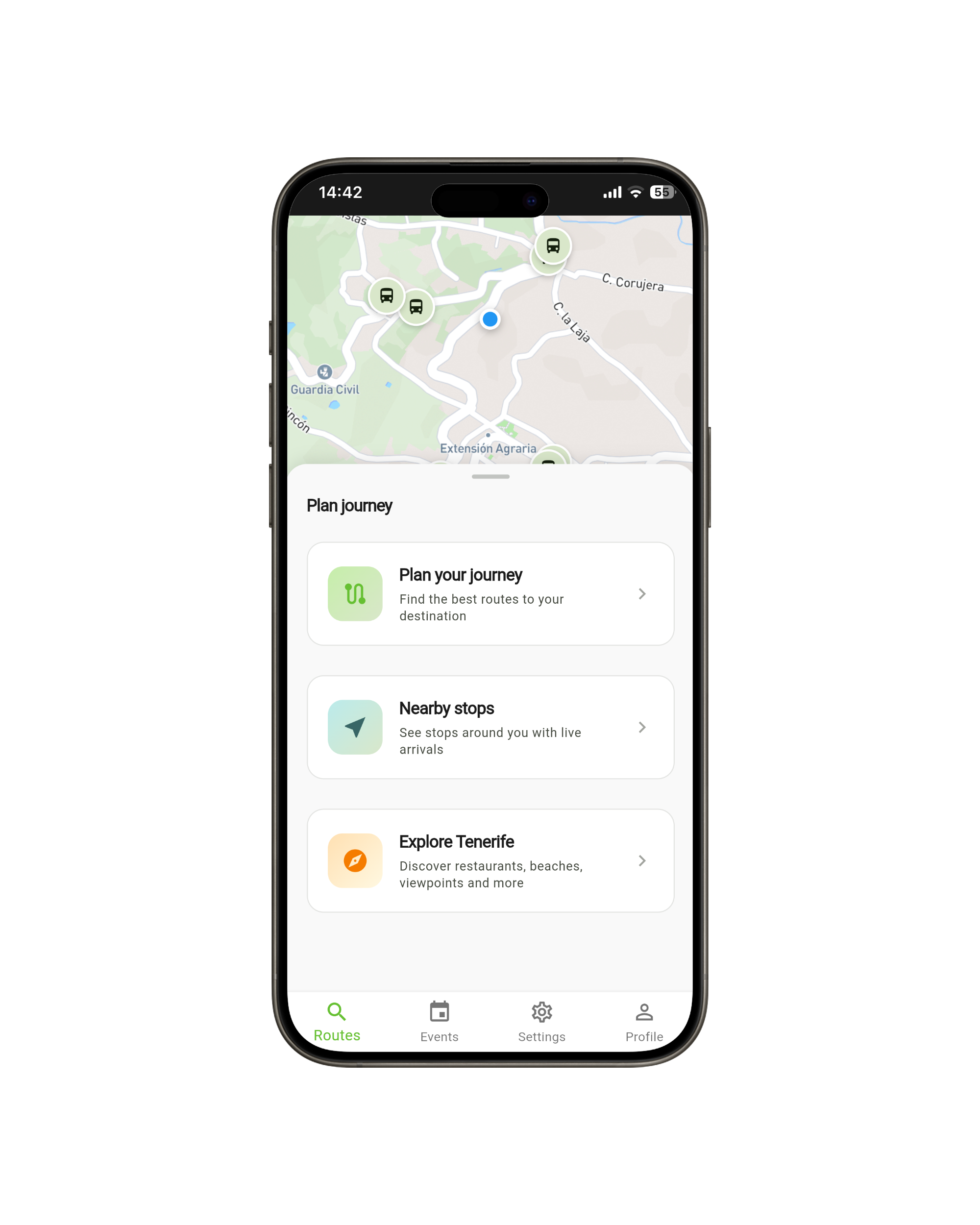
Viario Canario App - Home Screen

Everything you need to get around Tenerife

Four main features designed to make your journeys easier

01

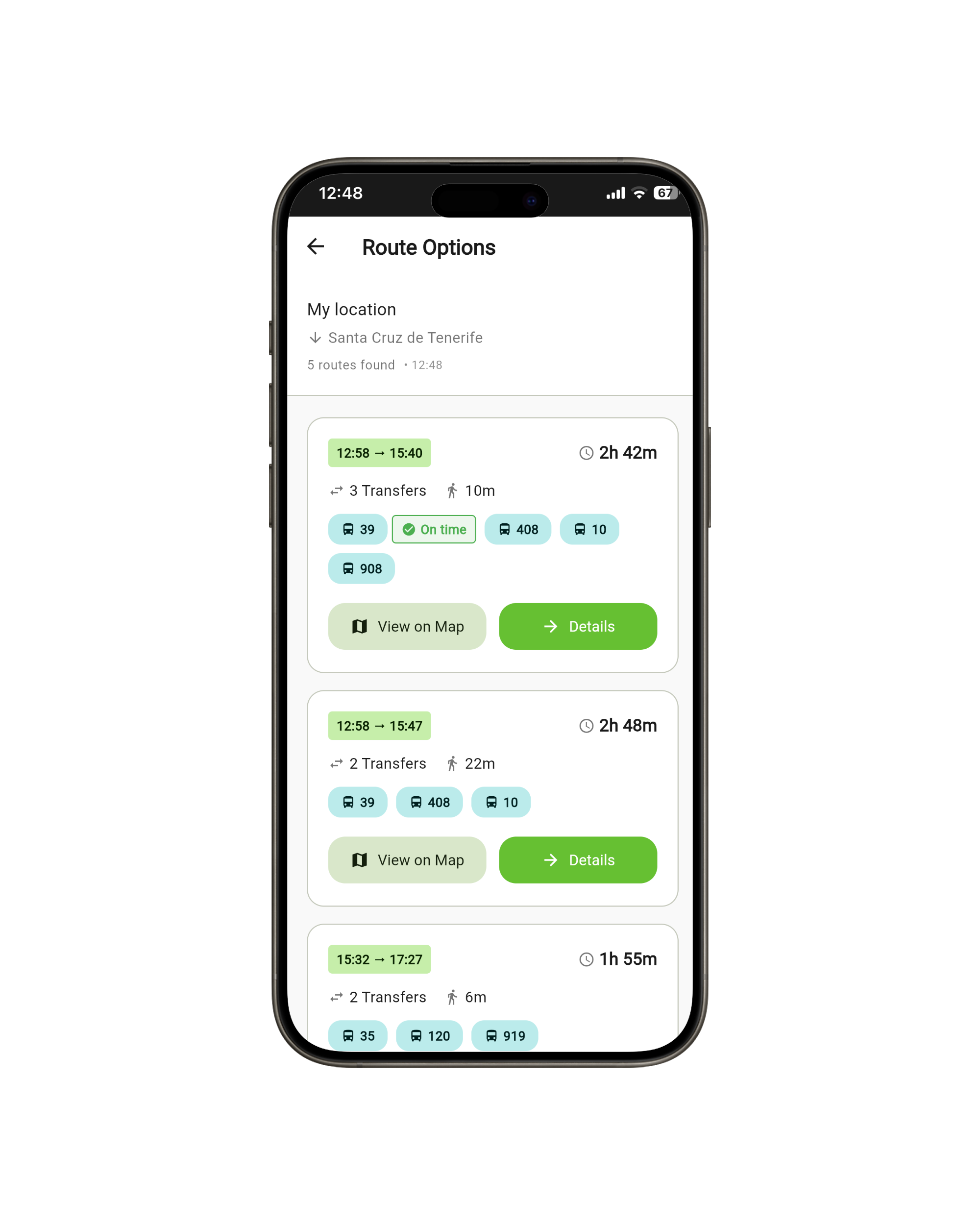
Trip Planning with Real-time Arrivals

Find the best route combining buses and tram. Multiple options with accurate times, real-time delay information and optimized transfers.

02

Nearby Stops with Live Data

Instantly see the closest stops with their routes and upcoming arrivals. Data updates progressively without blocking the interface. No waiting, immediate information.

03

Discover Events in Tenerife

Find local events, concerts, festivals and cultural activities. Each event includes how to get there by public transport directly from your location.

04

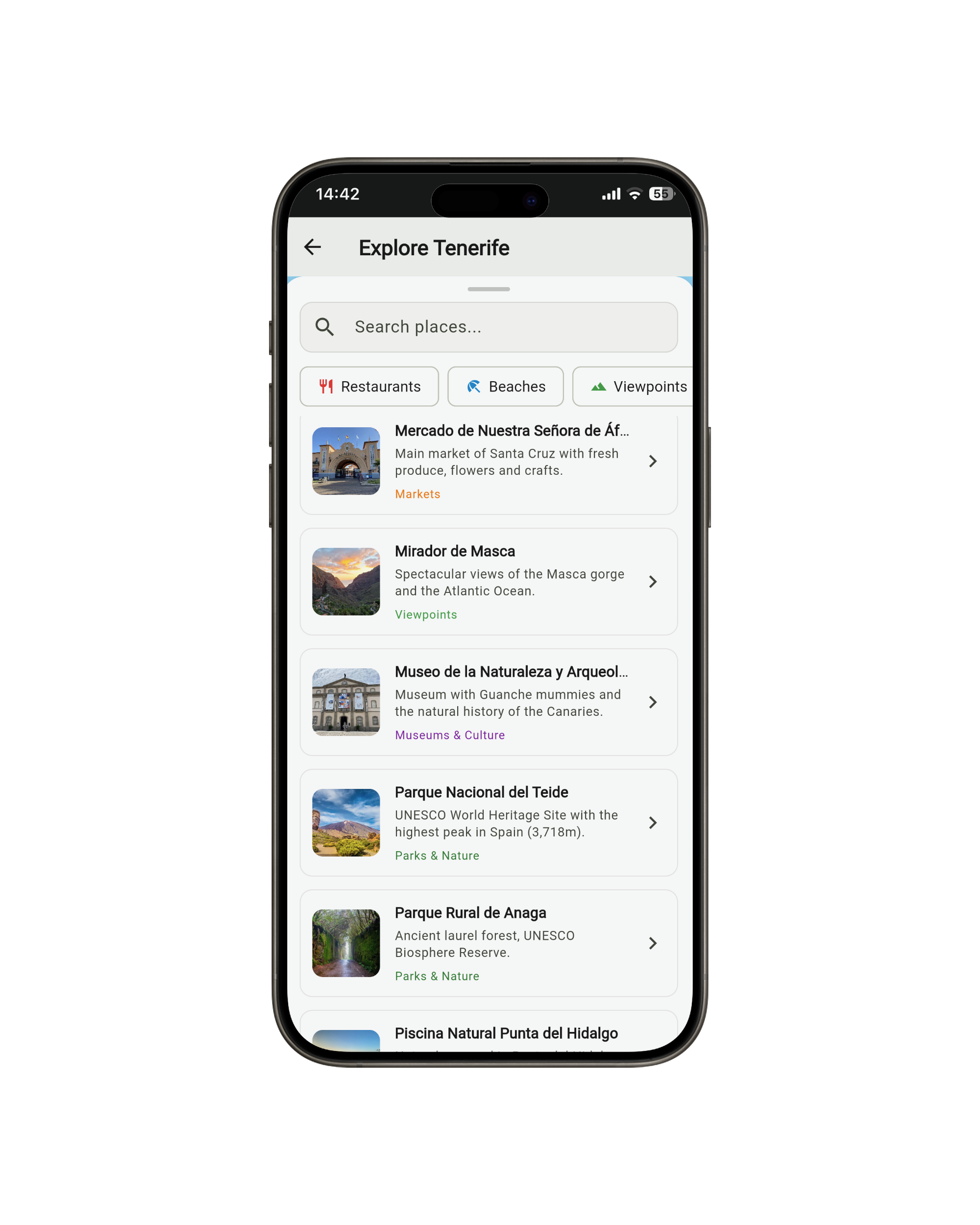
Explore Points of Interest

Discover restaurants, beaches, viewpoints, museums and more amazing places in Tenerife. Each place includes how to get there by bus from your current location.

How to use Viario Canario

Step-by-step tutorials to get the most out of the app

01
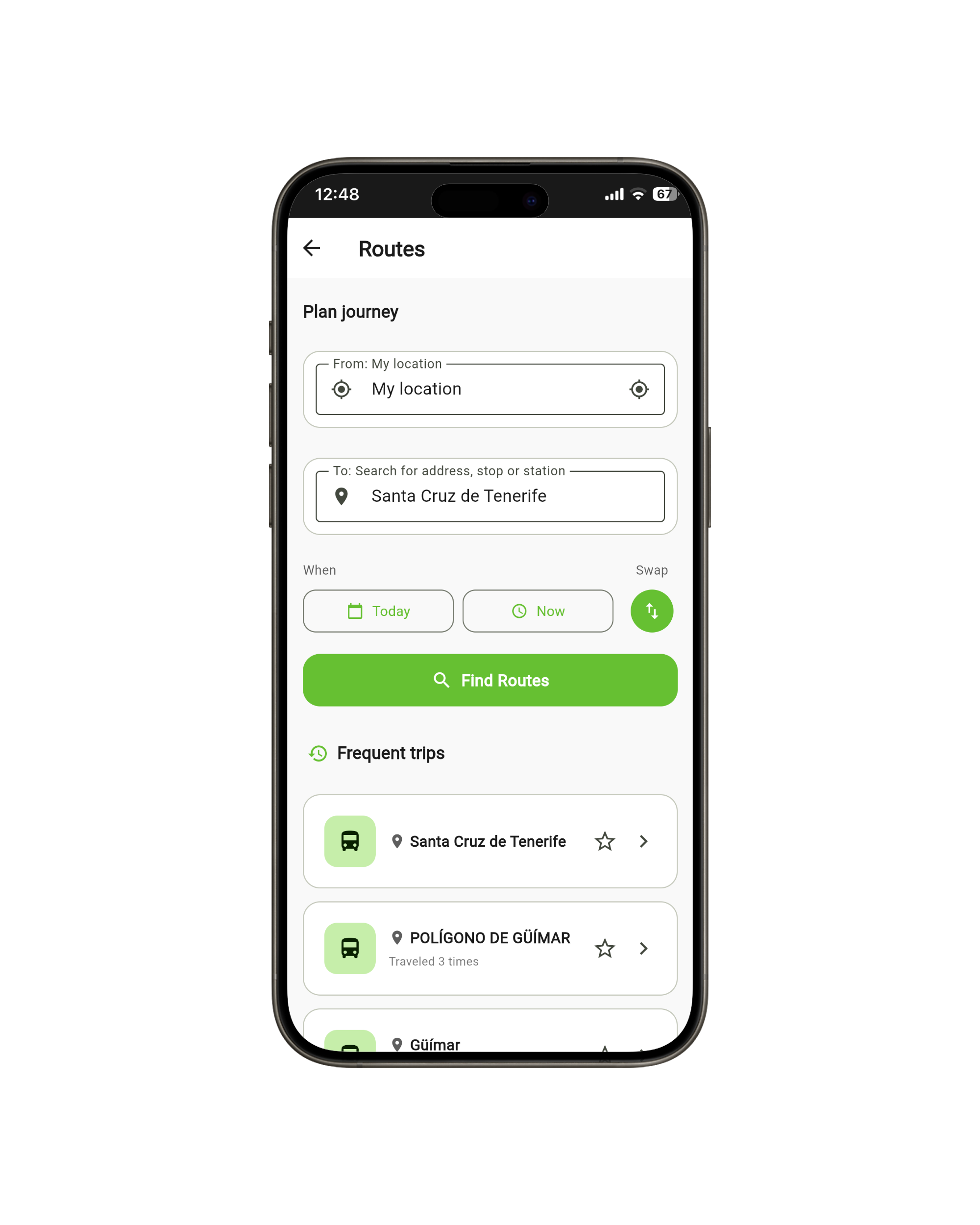
Viario Canario - Plan Your Journey

Plan your route

Enter your origin and destination. You can search by stop name, address or use your current location.

  • Smart stop search
  • Multiple route options
  • Accurate estimated times
02
Viario Canario - Real-time Arrivals

Check real-time arrivals

See exactly when your bus arrives. Data updates automatically without blocking the interface.

  • Delay information
  • Automatic nearby stops
  • Progressive updates
03
Viario Canario - Explore Tenerife

Discover and explore

Find events, restaurants, beaches and points of interest. Each place includes how to get there by public transport.

  • Updated local events
  • Categorized places
  • Integrated routes

Install on your phone

No app stores, directly from your browser

iPhone / iPad

  1. Open app.viario-canario.com in Safari
  2. Tap the Share button
  3. Select "Add to Home Screen"
  4. Tap "Add"

Android

  1. Open app.viario-canario.com in Chrome
  2. Tap the menu (three dots)
  3. Select "Install app"
  4. Confirm by tapping "Install"

Benefits of installing

Quick access from your home screen
Works like a native app
Automatic updates
Works offline (coming soon)

Start using Viario Canario today

Free, no ads, no registration. Just open and use.

Open App